


How to Register
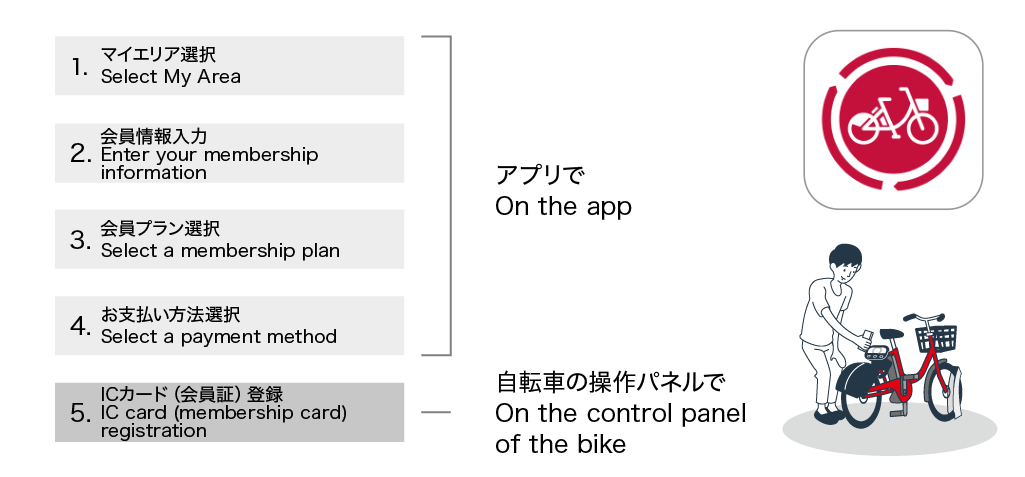
Takes 5 or more minutes to register.
STEP1What you need
*A smartphone capable of receiving SMS is required.
*It is more convenient to register your IC card or your smart phone as a key (registration is optional).
To create an account, you will need a d ACCOUNT, Apple, or Google account.
STEP2Download the app


STEP3Registration
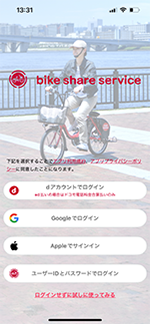
New members can register using their d account, Google ID, or Apple ID.
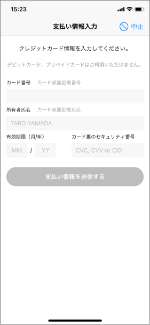
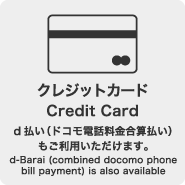
Credit cards and d Payment are accepted.
* Debit cards and prepaid cards can also be used.
POINTMore convenient to register IC cards and smart phones!
If you register your IC card or smartphone as a key, you can unlock your bicycle by simply pressing the START button on the key and then holding it over the lock to start using the bicycle.
From the account screen of the app, select "Card Key / Smartphone Key Registration" and follow the on-screen instructions to register.
* Payment cannot be made with the IC card.
Usage fees are paid by credit card or d Payment. IC cards and smartphones can be used as keys to unlock the bicycles.
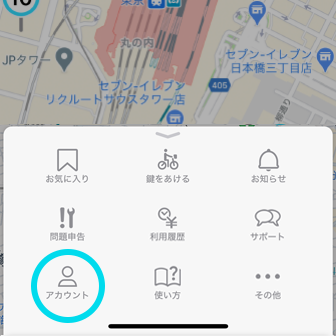
For details on how to register your your card key or smartphone, please refer to the following page.